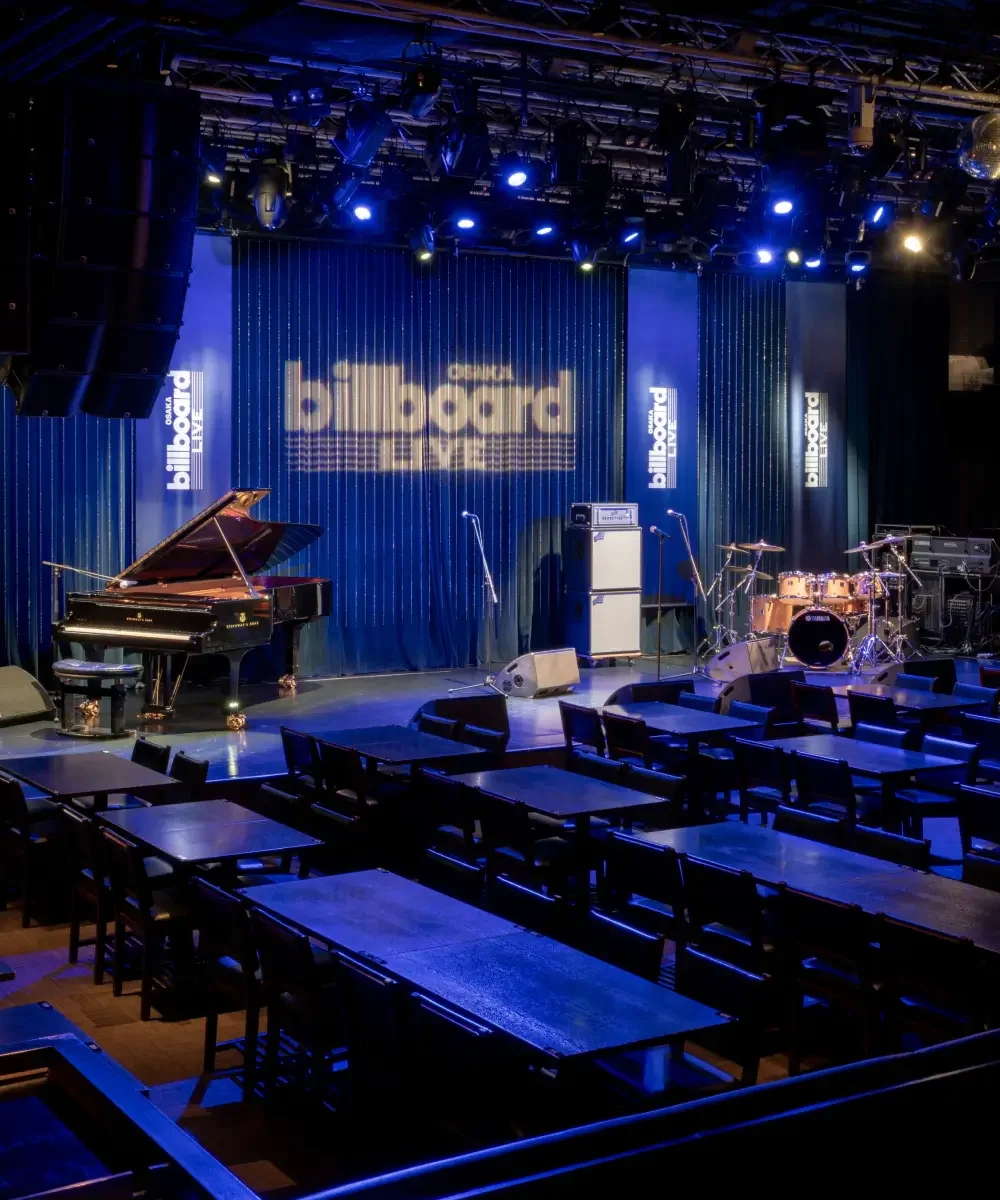
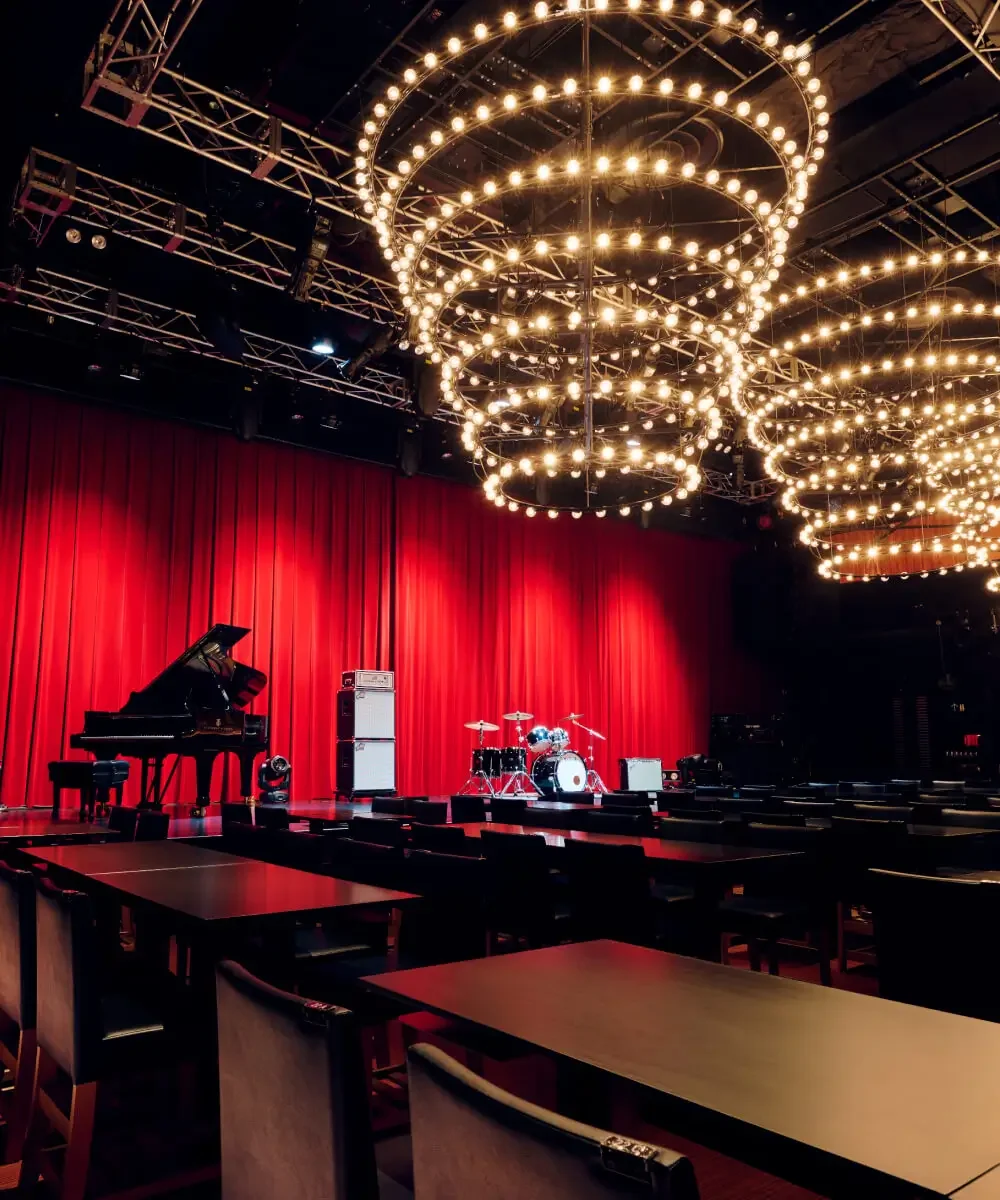


How to purchase tickets from this website.
To purchase tickets, you must register as a member and pay with a credit card.
Cancellation after purchasing tickets will incur a cancellation fee that corresponds to the amount paid at the time of purchase.
Please note that changes to the performance date/time or additions to the number of attendees cannot be made after purchase.
Please check the cancellation fee list here.
For more details about HH cross ID, please see here.
To purchase tickets for Billboard Live, you must obtain an HH cross ID and join the Billboard Live membership program. When purchasing tickets, please proceed to the page for your desired performance after logging in.
For more information about HH cross ID, please see here.
https://www.hhcross.hankyu-hanshin.jp/
On both smartphones and PCs, please access MyPage from the top-right ‘Login’.
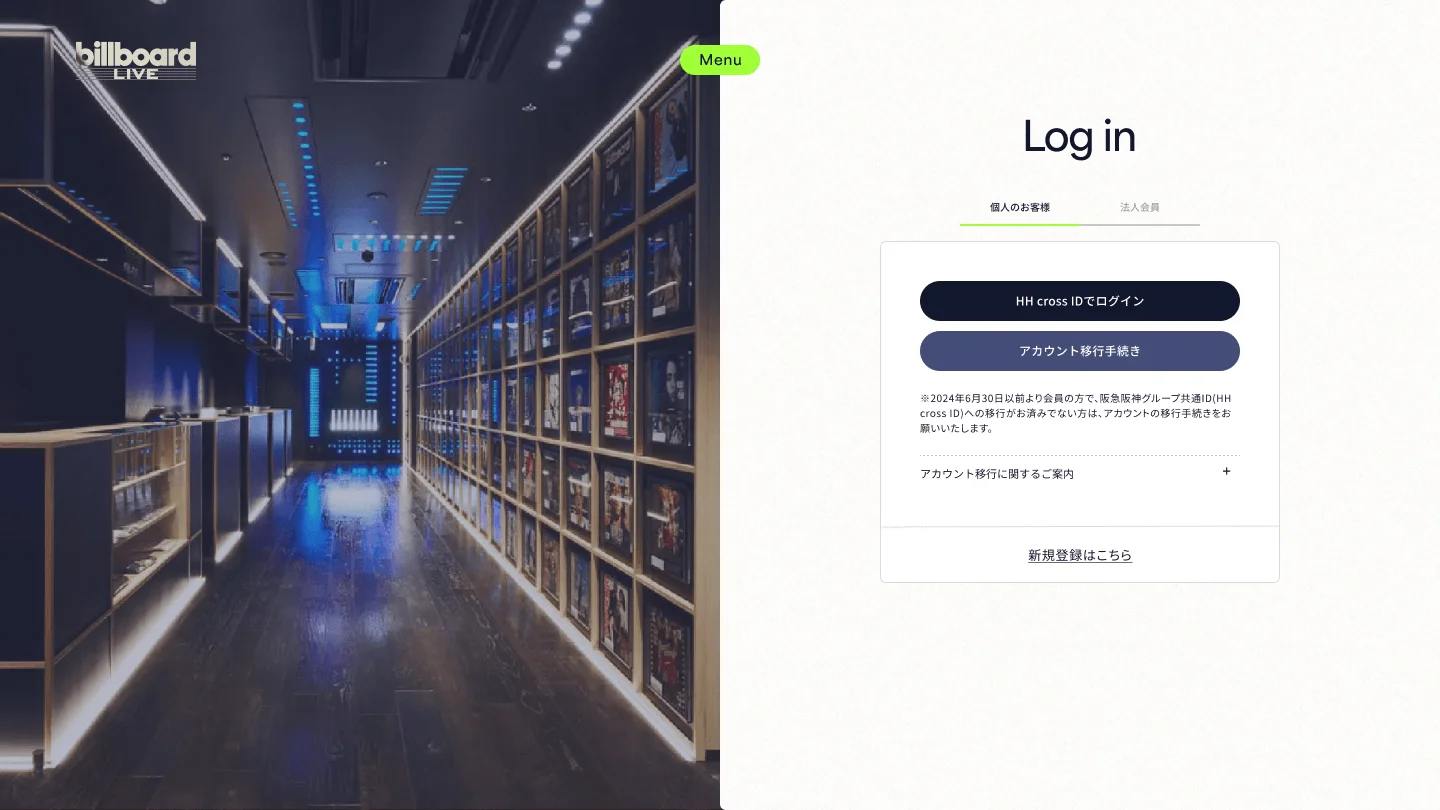
For first-time customers.
On the login page, please click "Register here" to proceed.
1. Please obtain an 'HH cross ID', or if you already have an 'HH cross ID (or Takarazuka Revue Common ID)', please use your existing account.
2. Billboard Live offers two types of membership: 【Club BBL Member (Paid)】 and 【Guest Member (Free)】. Please register for one of them and apply for tickets.
When purchasing tickets or selecting/registering as a Club BBL member, you must register your credit card information with the payment service ‘HH cross PAY’.
During registration and at the time of payment, you may encounter a screen for the cardholder authentication service (3D Secure) to prevent unauthorized use of your credit card by a third party. For details, please refer to the ‘About 3D Secure’ section on this page.
For inquiries about 3D Secure, please contact the credit card issuing company that issued your card (the contact information printed on the back of the card).
For more details about HH cross PAY, please see here.
https://www.hhcross.hankyu-hanshin.jp/pay/
Membership Registration Process (For Club BBL Members)
Obtaining HH cross ID
Enter the required information, such as your name and phone number.
Billboard Live Membership Options
Choose one of 【Club BBL Member (Paid)】 or 【Guest Member (Free)】.
Credit
Registration and Authentication
Enter your card information to be redirected to the credit card company's screen for 3D Secure authentication.
Registration complete.
The registration completion confirmation screen will be displayed, and you will be redirected to MyPage.
3-D Secure authentication screen image
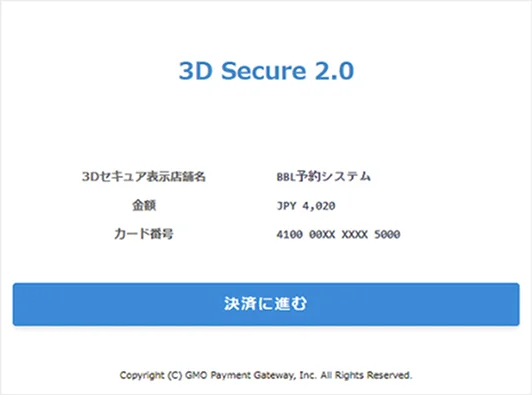
The image is for illustration purposes. The actual design and specifications may differ in some cases.
The 3-D Secure authentication screen varies depending on the card issuer.
Please check the preferred date and time shown on the right side of each performance page, and then proceed by clicking the 'Ticket Purchase' button.
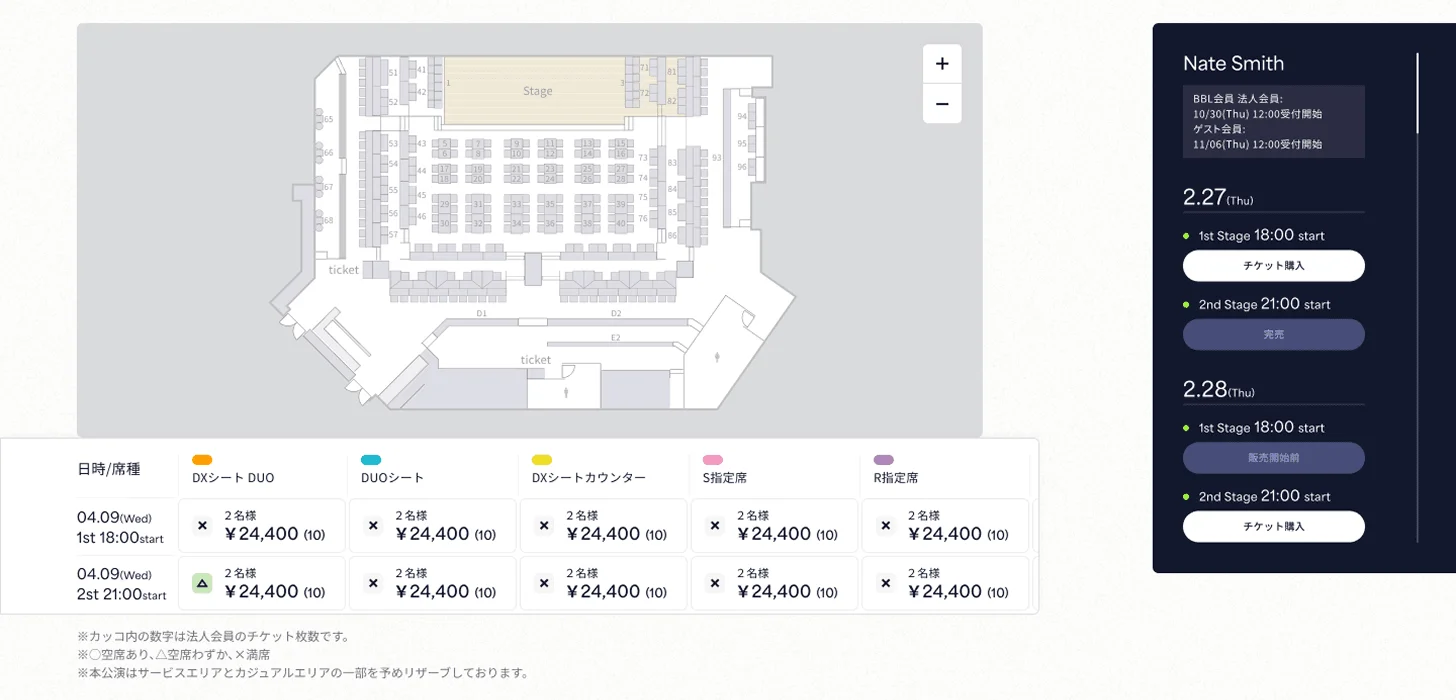
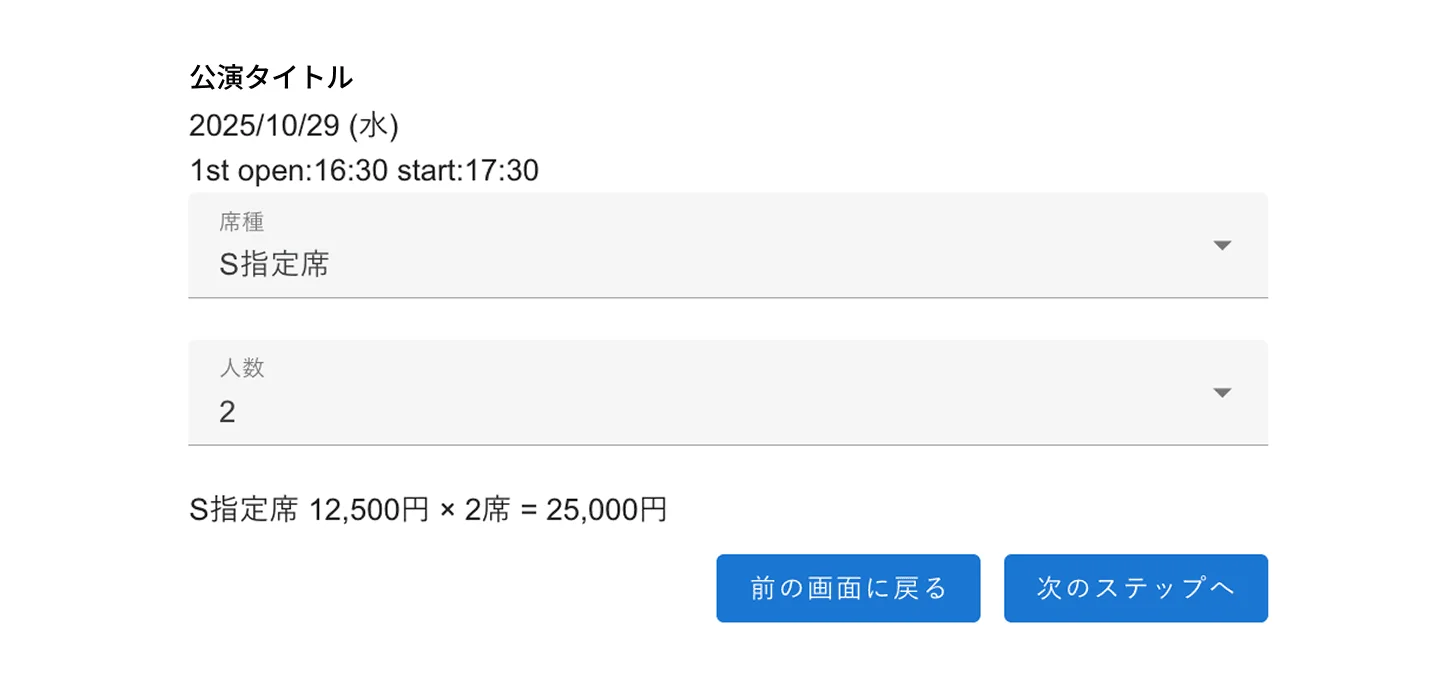
Please specify your preferred seating area and the number of people.
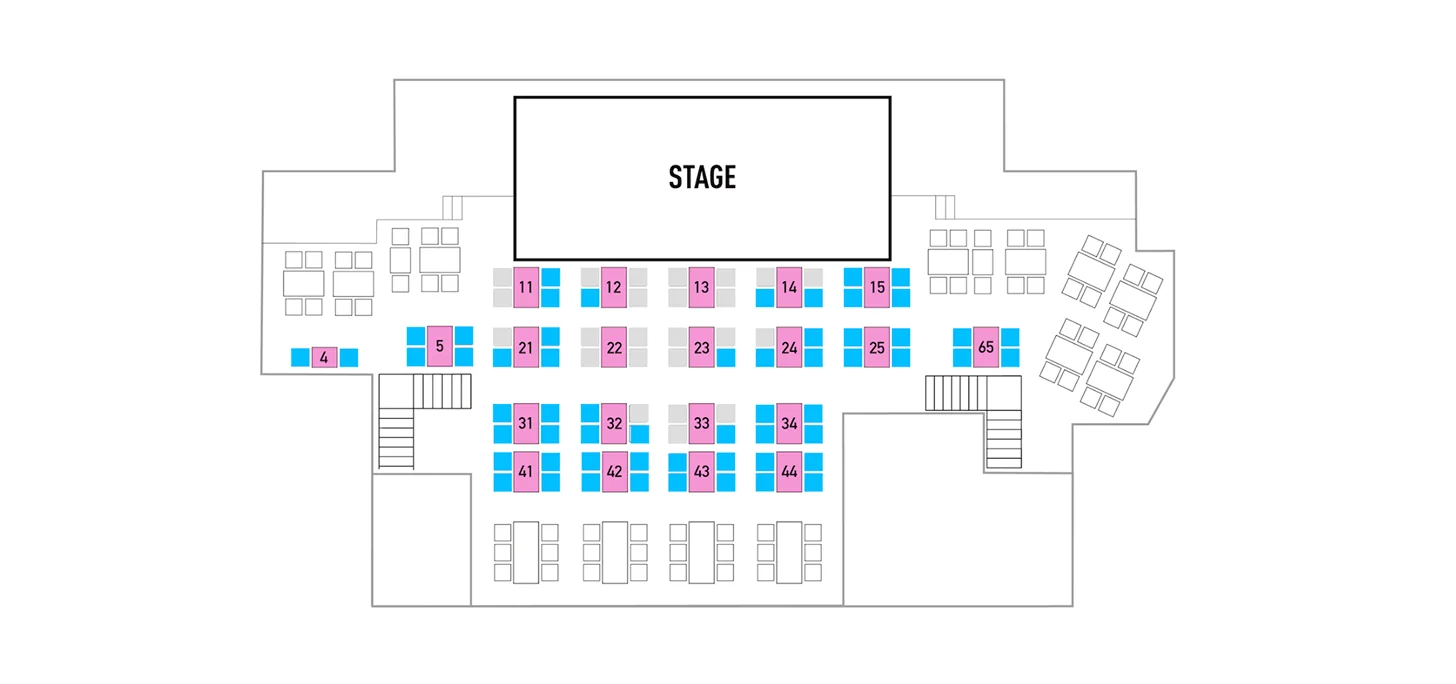
Please select your preferred seat.
Note: It turns orange when you select a seat.
Please proceed to the final confirmation screen for your purchase.
Please proceed by clicking the ‘Purchase with these terms’ button after agreeing to the cancellation fee and the notes.
After this, you will be redirected to the payment page and will not be able to go back, so please note.
If you have not registered a credit card on MyPage, you will need to register one at this point.
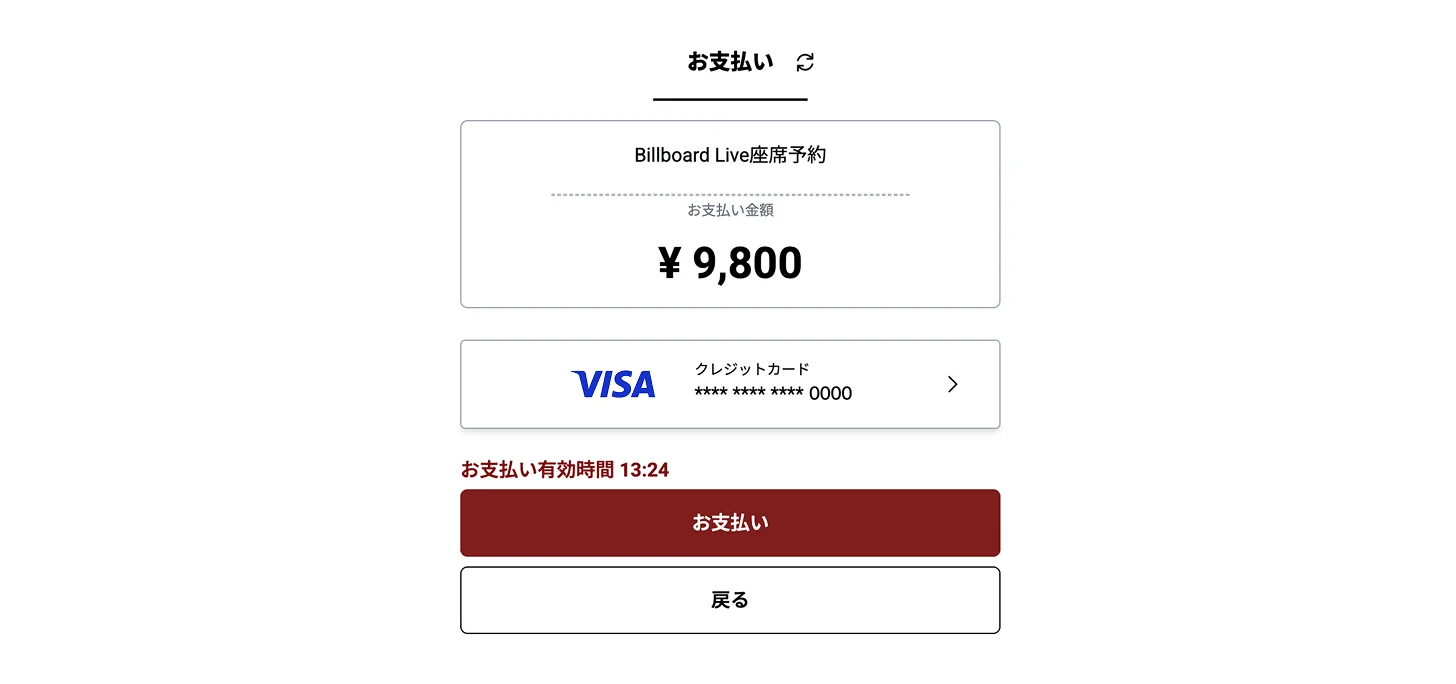
Please review the contents and proceed to 'Payment'.
After you complete the purchase, you will receive a "Ticket Purchase Confirmation Email" from our shop, and a "Usage Notice" from the payment service.
You can view the performances you have purchased on My Page.
Also, on the day of your visit, please enter using the QR code displayed on My Page for Smart Entry.
When you press the "Payment" button, a screen may appear asking you to enter your ID and password. Please be sure to proceed to the completion page.
Please note that if authentication of your ID or password (and other credentials) is not completed and more than 15 minutes have elapsed, your application or registration will not be completed.
About 3D Secure.
This is an identity verification service designed to prevent unauthorized use of credit cards. You can use it by pre-registering on your card issuer’s website and setting up an authentication password and other authentication details.
How to use 3D Secure?
Your credit card must support 3D Secure. Please complete the registration process on the card issuer’s website in advance and obtain an authentication password. If you’re unsure whether it’s supported, please contact the issuer listed on the back of your card.
If the authentication screen does not appear when using 3-D Secure.
- If you have security software installed, or if the security level is set to 'High'.
- If you are using a computer that does not support Japanese fonts (the characters may be garbled).
- If cookies are not enabled.
For details about 3D Secure and how to configure it, please contact your card issuer.
The 3D Secure authentication screen and input fields vary depending on the credit card issuer you have a contract with.
During periods of heavy traffic, due to system processing constraints, it may not be applicable.
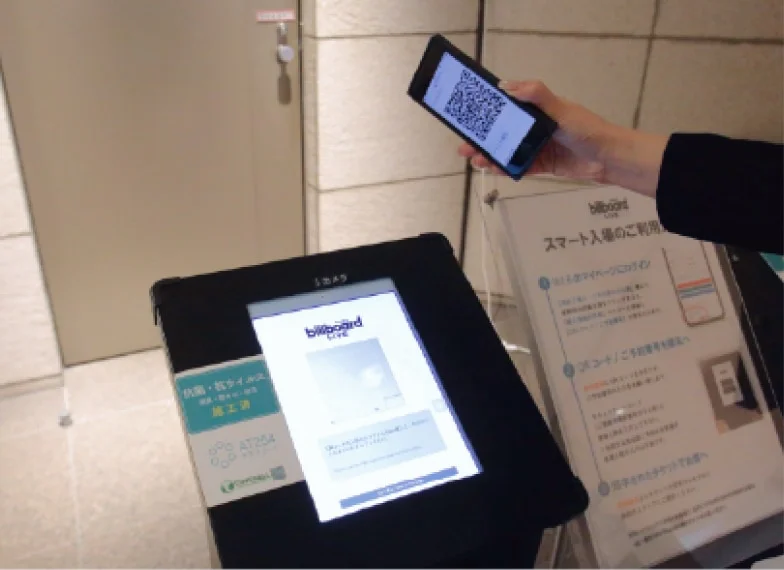
Live ShowEntry Guide
Information for the day of the live performance.
We will guide you on the day of entry and on how to order food and drinks.